Best 4K Projectors for Office Presentations and Meetings (2025 Buyer’s Guide)
If you’re giving client presentations, leading hybrid meetings, or showcasing detailed visuals, a standard projector may no longer cut it. A 4K projector for office presentations not only improves image clarity, but also helps you deliver sharper, more professional, and more engaging meetings.
Whether you’re setting up in a boardroom, conference space, or a multi-purpose office, this guide covers the top 4K projectors designed to deliver crisp visuals, reliable wireless connectivity, and low-maintenance operation — all tailored for the workplace.
Why Choose a 4K Projector for Business Presentations?
More than just resolution, 4K projectors offer features that make business communication clearer and more effective.
Crisp Resolution for Charts, Text & Video
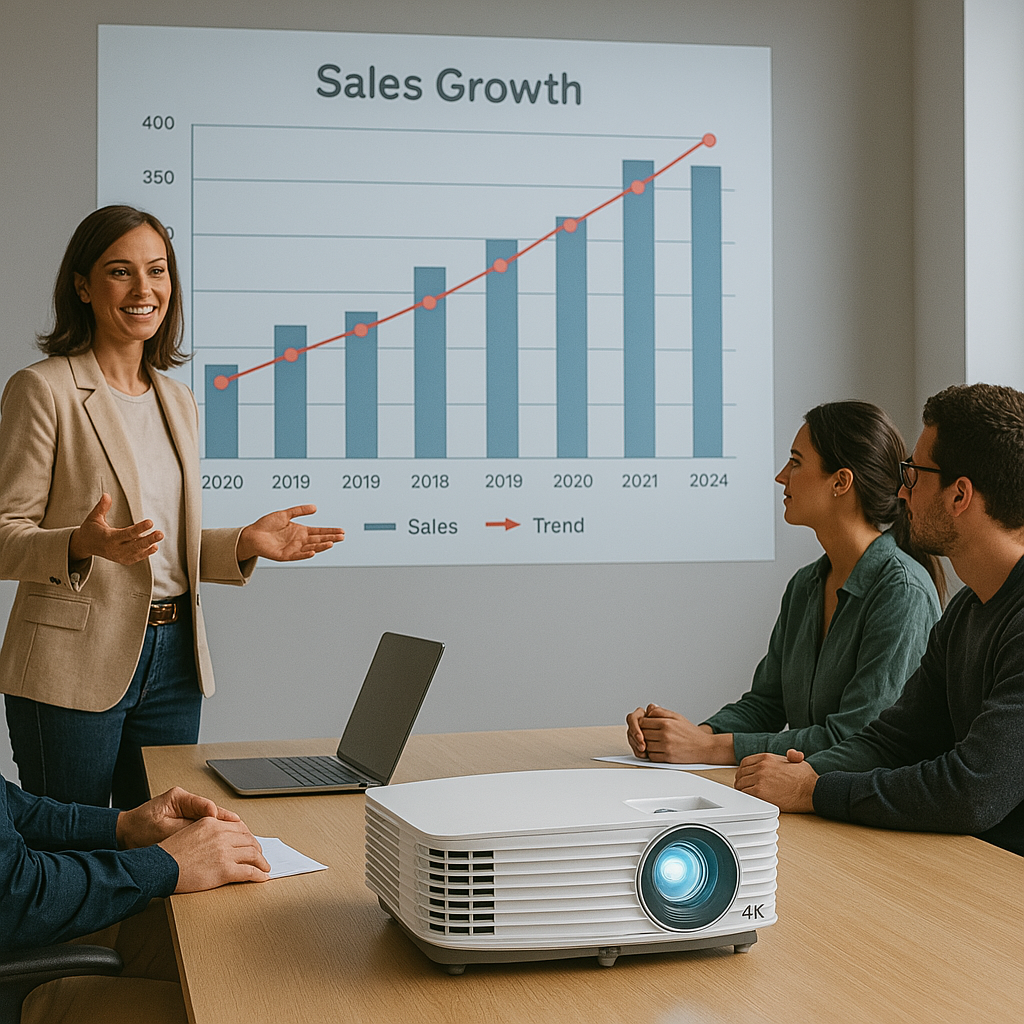
When showing dense data sheets, presentations with small text, or high-resolution images, 4K UHD resolution ensures that everything appears sharp, even on a 120-inch screen.
Professional Impression in Meetings
A high-quality display reflects your professionalism. Whether you’re pitching to a client or leading a team, a clean, detailed presentation keeps everyone focused and engaged.
Scalable for Small or Large Spaces
4K projectors support screens from 100 to 300 inches, allowing them to work just as well in small meeting rooms as they do in large conference halls.
What Features Matter Most in an Office 4K Projector?
When choosing a projector for office presentations or meetings, here’s what to prioritize:
High Brightness (3,000–5,000 Lumens)
Office spaces are usually well-lit. You need at least 3,000 lumens to ensure your image stands out, even with the lights on. For larger rooms or spaces with windows, aim for 4,500–5,000 lumens.
Easy Connectivity
Business-ready projectors should support:
- Multiple HDMI ports
- USB media input
- Wireless casting (WiFi/Screen Mirroring)
- LAN network control (for IT-managed environments)
Fast Setup and Portability
Quick power-on, auto keystone correction, and auto focus save time before meetings. Lightweight models are better for teams that move projectors between rooms.
Built-in Smart OS or Compatibility
Support for Android TV, WebOS, or Windows casting makes it easy to stream presentations, connect wirelessly, or use apps like Zoom and Teams.
Low Maintenance & Durability
Laser or LED projectors with long lamp life, filter-free cooling, and low fan noise are ideal for reducing disruptions and ongoing costs.
Quick Comparison – Top 4K Projectors for Office Use
| Projector | Brightness | Resolution | Wireless | Speaker | Portability | Price |
| Epson Pro EX10000 | 4,500 lumens | 4K Enhanced | ✅ | Yes | Lightweight | $$ |
| BenQ TK850i | 3,000 lumens | 4K UHD | ✅ Android TV | Yes | Moderate | $$$ |
| ViewSonic LS740HD | 5,000 lumens | 4K input | ✅ | No | Compact | $$$ |
| Optoma UHZ50 | 3,000 lumens | 4K UHD | ✅ | Yes | Medium | $$$ |
| LG BU50NST | 5,000 lumens | 4K UHD | ✅ WebOS + LAN | Yes | Fixed install | $$$$ |
Best 4K Projectors for Office Presentations – Reviewed
Epson Pro EX10000 – Best for Bright Meeting Rooms
The Epson Pro EX10000 delivers 4,500 lumens of brightness and excellent color performance — ideal for daylight meetings or well-lit boardrooms. It supports 4K enhancement, has wireless casting built-in, and powers up quickly.
Key features:
- 4K enhancement resolution
- Wireless screen mirroring from Windows, Android
- HDMI and USB ports for plug-and-play
- Compact and lightweight
Best for: Bright conference rooms and fast-paced businesses that need performance and portability.
BenQ TK850i – Best for Mixed Business Use and Streaming
The BenQ TK850i is a true 4K UHD projector with HDR10 support, Android TV built-in, and a quiet fan — great for both presentations and occasional streaming or video content in the office.
Key features:
- 4K UHD with vivid colors
- Android TV = Netflix, YouTube, etc.
- Google Cast and voice assistant support
- HDR support for high-quality visuals
Best for: Businesses that value sharp presentations and also want a touch of smart media versatility.
ViewSonic LS740HD – Best Laser Projector for Offices
With its 5,000 lumens laser engine, the ViewSonic LS740HD is made for larger rooms or presentations in ambient light. Its laser light source means no bulb replacements and 20,000+ hours of maintenance-free use.
Key features:
- 5,000 lumens of brightness
- Laser light source = energy-efficient + durable
- 4K input supported
- Compact chassis, flexible placement
Best for: Large offices, training centers, or schools with frequent use and minimal maintenance needs.
Optoma UHZ50 – Best for Hybrid Work Environments
The Optoma UHZ50 is a powerful all-rounder with laser light, 4K UHD resolution, and smart streaming support via downloadable apps.
It supports wireless casting, has solid onboard audio, and excels in Zoom/Teams video clarity, making it great for hybrid meetings.
Key features:
- True 4K UHD with HDR
- Laser projection system
- Multiple HDMI inputs + screen mirroring
- Quiet operation
Best for: Hybrid workplaces where visuals, sound, and connectivity all need to shine.
LG BU50NST – Best Enterprise-Grade 4K Projector
The LG BU50NST is a commercial-grade 4K UHD projector with WebOS, LAN control, and up to 300-inch display support. It’s ideal for large teams, boardrooms, and high-visibility company spaces.
Key features:
- 5,000 lumens for large meeting spaces
- Full WebOS smart system
- LAN and Crestron/Extron control integration
- 20,000-hour laser lifespan
Best for: Enterprise IT teams or high-end installations needing control, performance, and reliability.
How to Set Up the Perfect Office Projector System
Mounting vs Mobile Setup
- Fixed ceiling mount: Best for permanent meeting rooms
- Portable cart: Flexible use across multiple rooms or departments
- Short-throw/UST models: Useful in tight spaces or for clutter-free tables
Screen Size and Placement
- A 120-inch screen works well for up to 20 people
- Keep projector at recommended throw distance (check specs)
- Consider ALR screens for bright rooms
Audio Tips for Meetings
- Internal speakers are fine for slideshows or basic meetings
- For video calls or presentations with sound:
- Use Bluetooth soundbars
- Connect via HDMI ARC or optical output
FAQs – 4K Projectors for Presentations and Business Use
Is 4K overkill for office presentations?
Not at all. It ensures better clarity for small text, complex graphs, and professional visuals — especially on larger screens.
What’s the ideal brightness for business use?
Aim for 3,000 lumens minimum, or 4,500+ for bright rooms and larger audiences.
Can I use these projectors with Zoom or Teams?
Yes — pair with a webcam and mic, and use screen mirroring or HDMI from your laptop for crystal-clear conferencing visuals.
Are laser projectors better for the office?
Yes — they offer longer life, less maintenance, and consistent brightness over time.
Can I cast wirelessly from a laptop or phone?
Most smart models support casting from Windows, Android, or iOS using WiFi or apps like Miracast, Google Cast, or AirPlay.
Final Verdict – Which 4K Projector Is Best for Your Office?
- 💡 Brightest and most portable: Epson Pro EX10000
- 🧠 Best smart interface and versatility: BenQ TK850i
- 🔧 Lowest maintenance laser projector: ViewSonic LS740HD
- 🌐 Best for hybrid video calls: Optoma UHZ50
- 🏢 Top choice for large enterprises: LG BU50NST
🎯 Deliver your message with clarity, confidence, and impact.
Choose a 4K projector that meets your professional needs and elevates every meeting — whether in person, hybrid, or remote.