Projector for Classrooms: The Complete Guide for Teachers and Schools
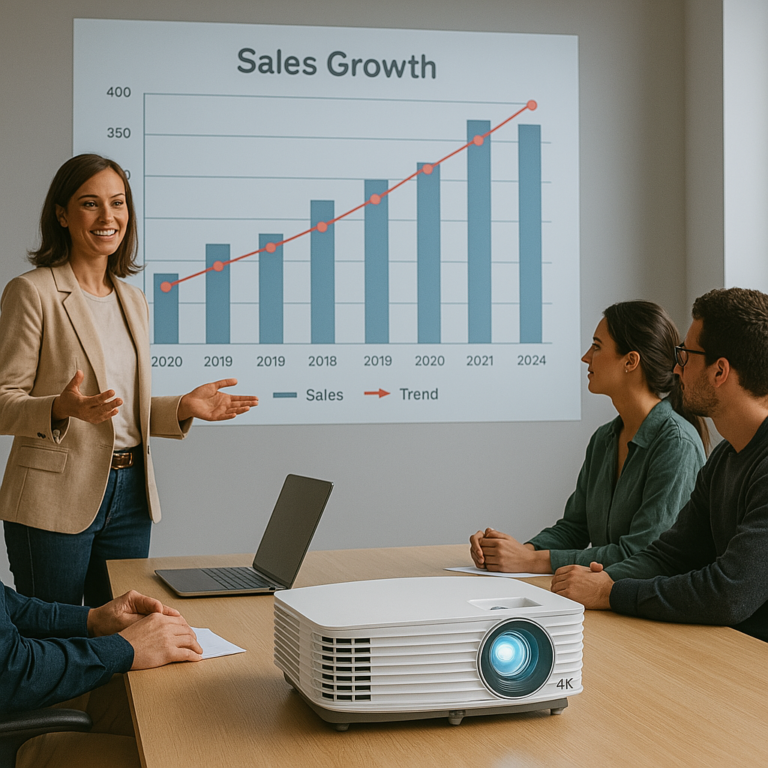
In today’s classrooms, technology plays a central role in engaging students and enhancing learning. Among the essential tools for modern teaching is the classroom projector. From displaying presentations to streaming educational videos and sharing interactive lessons, projectors make it easier for teachers to connect with students in a dynamic, visual way.
Choosing the right projector for a classroom requires more than just picking a bright model. You need to consider factors like room size, lighting conditions, resolution, and connectivity. This guide will walk you through everything you need to know about selecting the best classroom projector and highlight top recommendations for different needs.
Click here to check out the best projectors…
Why Use a Projector in the Classroom?
- Better Student Engagement
Visual aids help students understand complex topics more easily. - Large Display Size
Projectors can display content large enough for every student to see, even in bigger classrooms. - Versatility
Teachers can display presentations, videos, websites, and even live annotations. - Collaboration
Wireless features let students share work directly from their devices. - Cost-Effectiveness
Projectors provide larger displays at lower cost compared to large TVs or LED panels.
Key Features to Look For in a Classroom Projector
Brightness (ANSI Lumens)
Classrooms often have ambient light, so brightness is critical.
- Small classrooms: 2500–3000 lumens.
- Medium classrooms: 3000–4000 lumens.
- Large or brightly lit classrooms: 4000+ lumens.
Resolution
- XGA (1024×768): Standard for basic presentations.
- WXGA (1280×800): Wide format, good for PowerPoint and video.
- Full HD (1920×1080): Crisp text and video, increasingly common in schools.
- 4K UHD: High-end, not essential but future-proof.
Throw Ratio
- Standard throw: Suited to larger classrooms where the projector is mounted on the ceiling.
- Short throw / ultra-short throw: Ideal for smaller classrooms to avoid shadows and glare.
Connectivity
- HDMI for laptops and modern devices.
- USB ports for direct file playback.
- Wireless features for sharing content from phones or tablets.
Durability and Maintenance
- Long lamp life or laser light source reduces maintenance costs.
- Filter-free designs save schools on upkeep.
Best Projectors for Classrooms
1. Epson PowerLite 982W
- 4200 lumens brightness.
- WXGA resolution.
- Long lamp life up to 17,000 hours.
- Wireless connectivity included.
Why it’s great: Bright enough for large classrooms and offers wireless sharing, making it an excellent all-round choice for schools.
2. BenQ MW535A
- 3600 lumens brightness.
- WXGA resolution.
- Affordable option with strong performance.
Why it’s great: A cost-effective projector that balances brightness and resolution, perfect for schools on a budget.
3. ViewSonic PS600X (Short Throw)
- 3500 lumens brightness.
- XGA resolution.
- Short throw lens projects a 100-inch screen from just 4 feet away.
Why it’s great: Excellent for smaller classrooms where space is limited, reducing shadows from teachers moving near the board.
4. Epson BrightLink 725Wi (Interactive Projector)
- 4000 lumens brightness.
- WXGA resolution.
- Interactive pen and touch support.
Why it’s great: Transforms the classroom into an interactive space, letting teachers and students annotate directly on the projection surface.
5. Optoma EH412
- 4500 lumens brightness.
- Full HD 1080p resolution.
- Compact, durable design.
Why it’s great: A high-resolution projector that excels at displaying sharp text, detailed images, and educational videos.
Tips for Setting Up a Classroom Projector
- Placement
Mounting the projector on the ceiling saves space and ensures consistent performance. - Screen Choice
A dedicated projection screen improves brightness and clarity, though whiteboards can work in a pinch. - Lighting Control
Use blinds or curtains if the classroom is very bright. - Audio Support
Many projectors have built-in speakers, but adding external speakers ensures all students can hear clearly. - Maintenance Schedule
Regularly clean filters (if applicable) and check lamp hours to avoid downtime.
Advantages of Short Throw and Ultra-Short Throw Projectors in Schools
- Short Throw: Placed close to the screen, they reduce shadows caused by teachers standing in front.
- Ultra-Short Throw: Mounted just above the board, they offer the cleanest, shadow-free setup, especially for interactive lessons.
These projectors are increasingly popular in modern classrooms because they improve visibility and allow more interactive teaching methods.
Frequently Asked Questions
Do I need a 4K projector for a classroom?
Not necessarily. WXGA or Full HD is usually sufficient for most teaching needs. 4K is useful for specialized subjects like design or science labs.
How many lumens are ideal for a classroom projector?
At least 3000 lumens for most classrooms. Larger, brighter rooms may need 4000 lumens or more.
Are interactive projectors worth it?
Yes, if your school emphasizes collaborative and hands-on learning. They replace smartboards and add flexibility.
How long do classroom projectors last?
Lamp projectors typically last 5000–10,000 hours, while laser projectors can last up to 20,000–30,000 hours.
Conclusion
A projector for classrooms is one of the most effective ways to enhance teaching, making lessons more engaging, collaborative, and accessible.
- For a general-purpose projector, the Epson PowerLite 982W is a strong choice.
- For budget-conscious schools, the BenQ MW535A offers great value.
- For small classrooms, the ViewSonic PS600X short throw model prevents shadowing.
- For interactive learning, the Epson BrightLink 725Wi takes lessons to the next level.
- For high-resolution content, the Optoma EH412 ensures clarity and sharp detail.
With the right projector, classrooms can become interactive hubs that inspire students and support teachers in delivering memorable lessons.