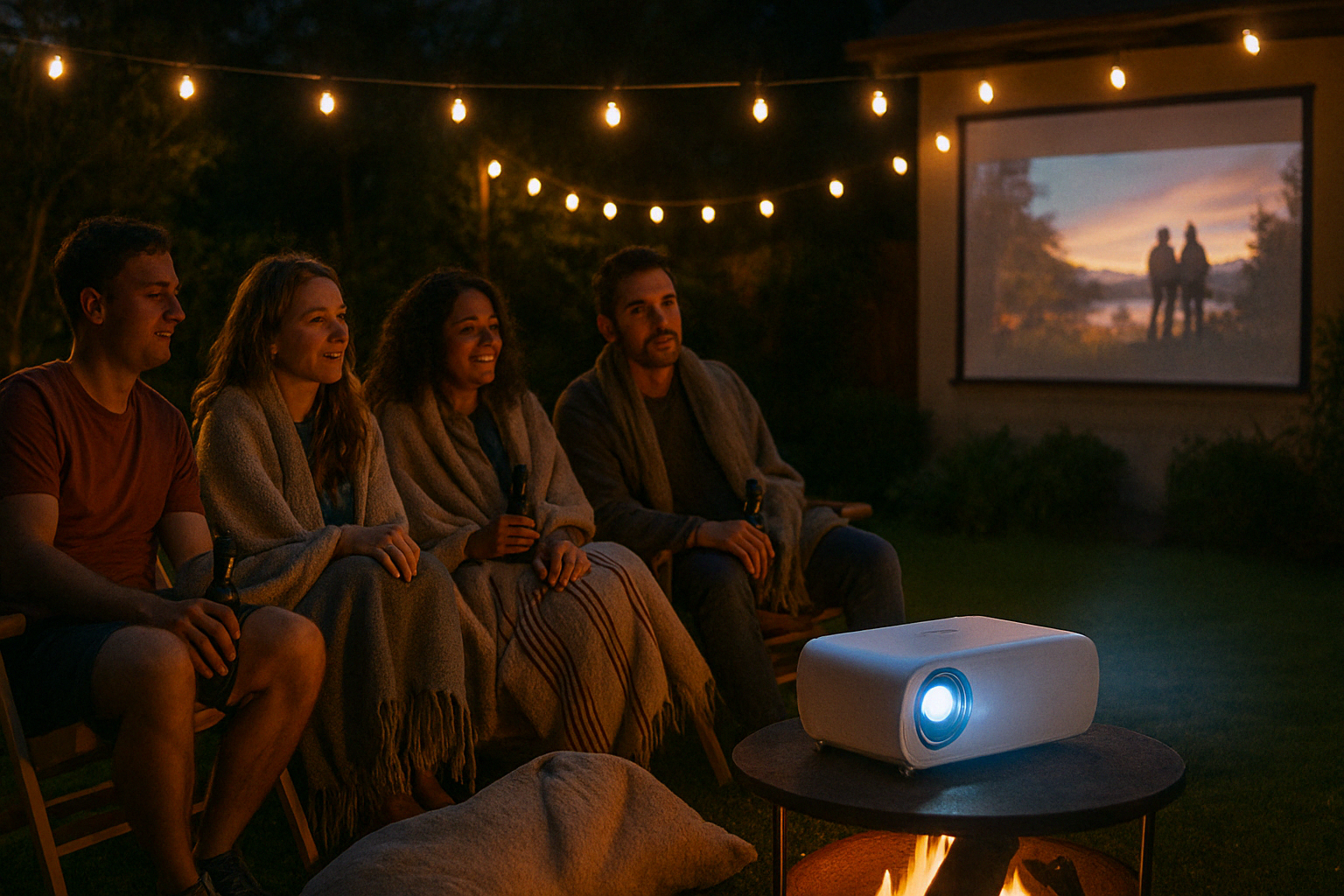
Wireless Streaming with Projectors: The Complete Guide
Projectors have come a long way from being tethered to bulky cables and DVD players. Today, wireless streaming with projectors makes it possible to enjoy movies, shows, presentations, and even games directly from your smartphone, tablet, or laptop without the hassle of wires.
Whether you’re setting up a home theater, outdoor movie night, or a professional presentation, wireless streaming adds convenience and flexibility to your projector setup. In this guide, we’ll cover how wireless streaming works, the technology behind it, and the best projectors and devices that support it.
Click here to check out the best projectors for wireless streaming…
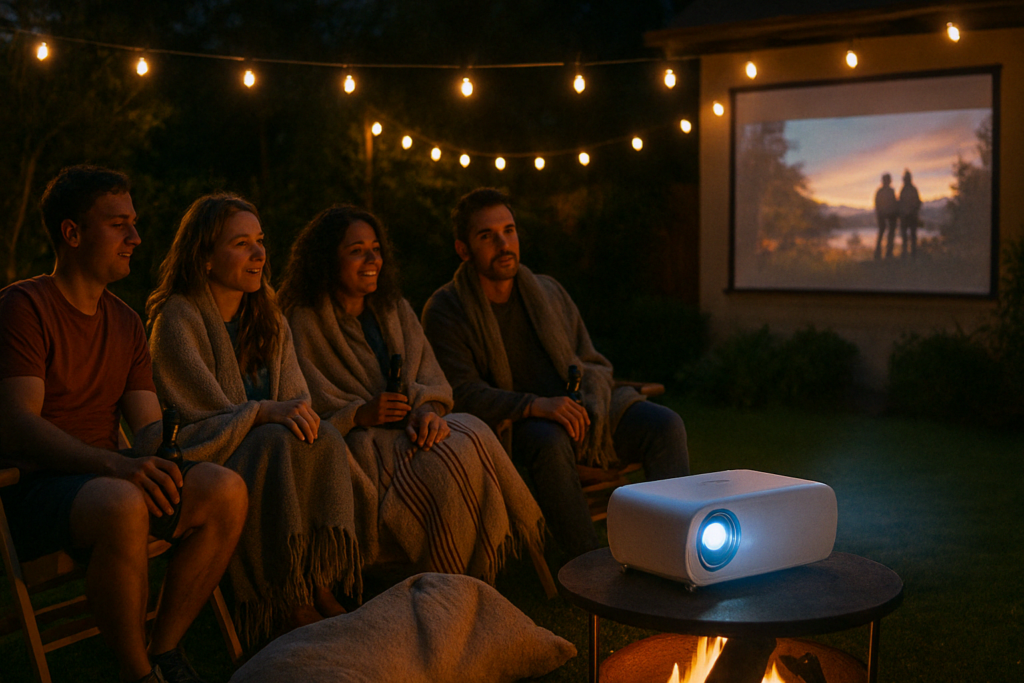
What Is Wireless Streaming with a Projector?
Wireless streaming allows you to connect your devices to a projector without using HDMI cables or adapters. Instead, content is sent over Wi-Fi, Bluetooth, or dedicated wireless dongles.
This means you can:
- Stream movies from Netflix, Disney+, or YouTube directly from your phone.
- Share presentations from your laptop without plugging in.
- Mirror your tablet screen to display apps, photos, or games.
Benefits of Wireless Streaming with Projectors
- Convenience
No need to run long HDMI cables across the room. - Versatility
Stream from multiple devices including smartphones, laptops, tablets, and even game consoles with wireless adapters. - Clean Setup
Fewer cables mean a tidier, more modern home theater or office. - Flexibility
Move devices around freely without worrying about cable length. - Multi-Device Sharing
Some wireless systems allow quick switching between different devices, ideal for classrooms and meetings.
How Wireless Streaming Works
There are several ways to achieve wireless streaming depending on your projector and devices:
- Built-In Wireless Projectors
Many modern projectors come with Wi-Fi and smart TV features pre-installed. These allow direct access to apps like Netflix, YouTube, or Amazon Prime Video. - Screen Mirroring (Miracast, AirPlay, Chromecast)
- Miracast: Popular on Windows and Android devices.
- AirPlay: Apple’s wireless standard for iPhones, iPads, and Macs.
- Chromecast: Works across Android and iOS for streaming apps and content.
- Wireless HDMI Adapters
Plug a wireless HDMI transmitter into your laptop or console and a receiver into the projector. This creates a wireless HDMI link without relying on Wi-Fi. - Streaming Sticks
Devices like Roku, Fire TV Stick, or Chromecast plug into the projector’s HDMI port and provide wireless streaming capabilities with built-in apps.
Limitations of Wireless Streaming
While wireless streaming is convenient, it does come with some trade-offs:
- Lag: There can be slight delays in transmission, which may affect fast-paced gaming.
- Resolution Limitations: Some wireless systems may cap resolution at 1080p, even if your projector supports 4K.
- Wi-Fi Dependence: If your network is slow or unstable, streaming quality may drop.
- App Restrictions: Some apps limit screen mirroring due to copyright protection.
For critical use cases like competitive gaming, a wired HDMI connection still provides the most reliable performance.
Best Projectors with Wireless Streaming
- Epson EpiqVision Mini EF12
- Android TV built-in.
- Supports Netflix, Hulu, YouTube, and more.
- Compact and portable.
- LG CineBeam PF50KA
- Full HD resolution with built-in Wi-Fi.
- Wireless screen sharing with Miracast and DLNA.
- Internal battery for portability.
- BenQ TK850i
- True 4K UHD with HDR.
- Android TV with Google Play Store access.
- Bright enough for daytime viewing.
- Anker Nebula Capsule II
- Portable mini projector with Android TV.
- Great for outdoor or travel use.
- Wireless streaming built-in.
Devices and Accessories for Wireless Streaming
If your projector doesn’t have built-in wireless features, you can upgrade it with accessories:
- Google Chromecast: Affordable and versatile for streaming apps and mirroring.
- Amazon Fire TV Stick: Excellent for Prime Video, Netflix, and Disney+.
- Apple TV: Best for Apple users who want AirPlay integration.
- Wireless HDMI Kits: Solutions like IOGEAR and Nyrius provide lag-free wireless HDMI streaming.
Tips for Better Wireless Streaming
- Strong Wi-Fi Network
Use a dual-band router (2.4GHz and 5GHz) to reduce lag and buffering. - Place Devices Close Together
Keep the projector and streaming device within good range of your router. - Update Firmware
Ensure your projector and streaming devices are updated for compatibility. - Use Ethernet for Stability
Some streaming sticks support Ethernet adapters, which provide a more reliable connection. - Lower Resolution if Needed
If you experience lag, lowering resolution to 1080p can improve performance.
Wireless Streaming for Gaming
Wireless streaming is excellent for movies and presentations, but gaming requires special attention:
- Casual Gaming: Works fine for slower-paced games where minor lag is acceptable.
- Competitive Gaming: A wired HDMI connection is still recommended to ensure no delay.
- Cloud Gaming: Services like Xbox Cloud Gaming and Nvidia GeForce NOW work well on wireless projectors with strong internet connections.
Frequently Asked Questions
Can all projectors stream wirelessly?
Not by default. Many modern projectors include Wi-Fi, but older models may require a Chromecast, Fire Stick, or wireless HDMI adapter.
Does wireless streaming reduce picture quality?
Not always. High-speed networks support 4K HDR streaming, but poor connections may drop quality.
Can I use Bluetooth for projector streaming?
Bluetooth works for audio, but not for high-quality video. Wi-Fi or wireless HDMI is needed for video streaming.
Do I need a smart projector for wireless streaming?
No. A basic projector can become wireless by adding a streaming device or adapter.
Conclusion
Wireless streaming with projectors brings flexibility, convenience, and a modern touch to home theaters, offices, and classrooms. Whether you’re using a built-in smart projector, a streaming stick, or a wireless HDMI kit, cutting the cord simplifies setup and enhances usability.
- For home theaters, smart projectors with Android TV or built-in apps are the most seamless.
- For portable setups, compact projectors like the Anker Nebula Capsule are ideal.
- For older models, adding Chromecast or Fire TV unlocks wireless functionality.
While serious gamers may still prefer wired HDMI, for movies, presentations, and everyday use, wireless streaming is a powerful way to make your projector more versatile.
Click here to check out the best projectors for wireless streaming…