Best Projector to Combat Gaming Projector Input Lag
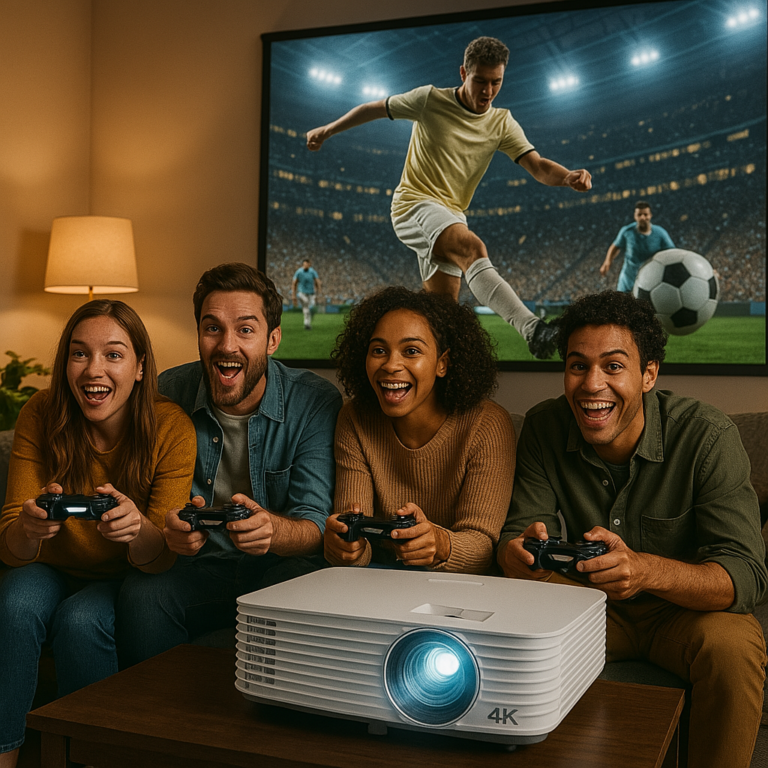
When it comes to gaming on a projector, input lag can make or break your experience. Unlike movies, where a slight delay is barely noticeable, gaming requires real-time response. A split second can be the difference between victory and defeat, especially in fast-paced titles like first-person shooters, racing games, or competitive online matches.
This guide will walk you through what input lag is, why it matters, and highlight the best projectors designed to keep lag low so you can enjoy smooth, responsive gameplay.
Check out the best projectors here…
What Is Input Lag in Projectors?
Input lag refers to the delay between when your console or PC sends a signal and when the image actually appears on the screen. It’s measured in milliseconds (ms).
- Below 16ms – Excellent for serious gamers.
- 16–33ms – Good for casual and competitive gaming.
- 33–50ms – Acceptable for slower-paced games or casual play.
- Over 50ms – Noticeable lag, not ideal for gaming.
The goal is to choose a projector that keeps lag as low as possible without compromising on brightness, resolution, or image quality.
Why Input Lag Matters for Gamers
Unlike movie watching, gaming is interactive. High input lag means your actions on the controller are delayed on-screen, causing frustration and making you less competitive. For example:
- In racing games, steering inputs feel delayed.
- In shooters, aiming is harder because your movements don’t match instantly.
- In fighting games, combo timing suffers.
Gamers demand precision, and the right projector makes a huge difference.
Key Features to Look for in a Low Input Lag Projector
Before diving into the top picks, here are the main features to prioritize:
- Low Input Lag Mode – Look for “Game Mode” or projectors marketed with lag times under 20ms.
- High Refresh Rate – Some projectors now support 120Hz or even 240Hz for smoother motion.
- Brightness and Contrast – Essential if you’re gaming in rooms with ambient light.
- Resolution – 1080p is fine for many, but 4K with HDR is ideal if budget allows.
- Connectivity – HDMI 2.0 or HDMI 2.1 ports are crucial for next-gen consoles.
Best Projectors to Combat Gaming Input Lag
Here are some of the top-rated projectors built with gamers in mind.
1. BenQ X3000i – Best Overall Gaming Projector
- Input Lag: 16ms (4K/60Hz), 4ms (1080p/240Hz)
- Resolution: Native 4K UHD
- Brightness: 3000 ANSI lumens
- Why It’s Great: Specifically marketed for gaming, it offers ultra-low latency and supports 240Hz at 1080p. It’s ideal for next-gen consoles and PC gamers who want crisp visuals without sacrificing response time.
- Best For: Competitive gamers who also want cinematic visuals.
2. Optoma UHD35 – Best Budget 4K Gaming Projector
- Input Lag: 16ms (4K/60Hz), 4ms (1080p/240Hz)
- Resolution: 4K UHD
- Brightness: 3600 ANSI lumens
- Why It’s Great: One of the most affordable true 4K projectors with low input lag. Delivers excellent picture quality and smooth gameplay at a mid-range price.
- Best For: Gamers who want 4K without breaking the bank.
3. Epson Home Cinema 3800 – Best for Bright Rooms
- Input Lag: ~20ms
- Resolution: 4K PRO-UHD (pixel-shifting technology)
- Brightness: 3000 lumens
- Why It’s Great: Offers vibrant colors and great brightness, making it perfect for rooms that aren’t completely dark. Input lag is low enough for responsive gaming.
- Best For: Casual to serious gamers who also use their projector for movies and sports.
4. BenQ TK700STi – Best Short Throw Gaming Projector
- Input Lag: 16ms at 4K/60Hz, 4ms at 1080p/240Hz
- Resolution: 4K UHD
- Brightness: 3000 lumens
- Why It’s Great: Designed for small rooms, it delivers big-screen gaming from just a few feet away. Its ultra-low input lag and short throw make it perfect for apartments or compact setups.
- Best For: Gamers with limited space.
5. LG CineBeam HU810PW – Best for Cinematic Gaming
- Input Lag: ~19ms
- Resolution: Native 4K UHD
- Brightness: 2700 lumens
- Why It’s Great: Combines high-end image quality with gamer-friendly input lag. Also features smart TV functionality and great color accuracy.
- Best For: Gamers who want an immersive home theater and smooth gameplay.
How to Reduce Input Lag on Any Projector
Even the best projector can suffer from lag if not set up correctly. Here are steps to minimize it:
- Enable Game Mode – Most projectors and TVs have a game mode that bypasses extra image processing.
- Use HDMI 2.0 or Higher – Ensures faster data transfer and supports higher refresh rates.
- Lower Resolution for Faster Response – Switching from 4K/60Hz to 1080p/120Hz or 240Hz reduces lag.
- Turn Off Extra Features – Motion smoothing, noise reduction, or HDR enhancements can add delay.
- Use Wired Controllers – Wireless input can add its own latency.
Frequently Asked Questions
Is input lag the same as response time?
No. Input lag is the delay from controller to screen. Response time refers to how fast pixels change colors. Both matter, but input lag is the bigger issue for gaming.
Do all 4K projectors have high input lag?
Not anymore. Many modern gaming projectors, like the BenQ X3000i or Optoma UHD35, achieve excellent lag times while supporting 4K.
What’s the lowest input lag possible?
Currently, some projectors achieve as low as 4ms at 1080p/240Hz. That rivals many gaming monitors.
Do you need 240Hz for gaming on a projector?
Not necessarily. Most console games run at 60Hz, with some next-gen titles supporting 120Hz. A projector capable of 120Hz is more than enough for most players.
Conclusion
If you’re a gamer looking for the best projector to combat input lag, focus on models specifically designed with low latency and high refresh rates.
- For serious competitive play, the BenQ X3000i or Optoma UHD35 are top choices.
- For small spaces, the BenQ TK700STi is the best short throw option.
- For a balance of movies and gaming, the Epson Home Cinema 3800 or LG CineBeam HU810PW deliver versatility.
Investing in the right gaming projector ensures you get big-screen immersion without sacrificing precision and responsiveness.